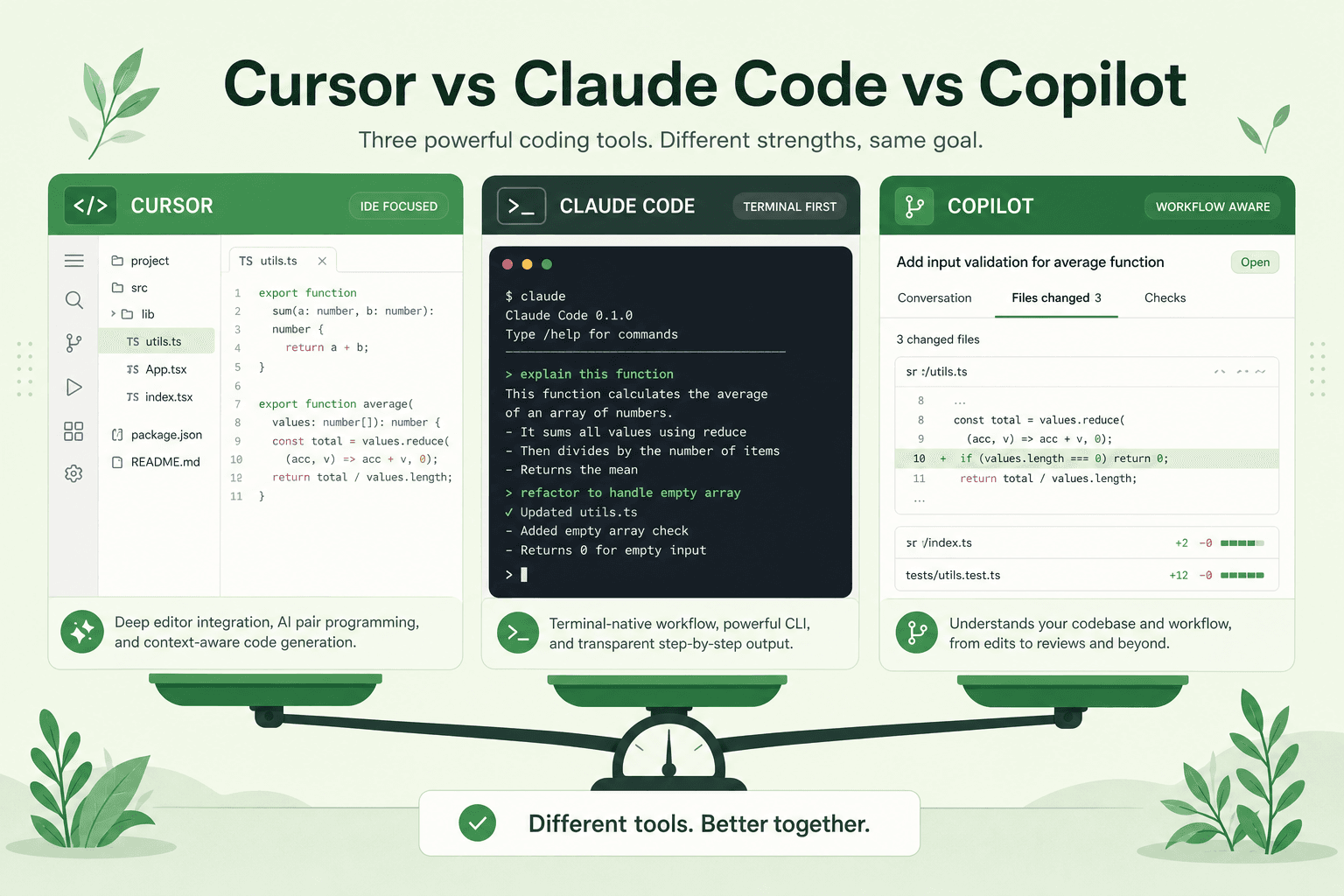
Cursor vs Claude Code vs Copilot — Which AI Coding Agent for 2026?
Picking an AI coding agent is less about hype and more about where you live all day: IDE depth, terminal flow, or GitHub-native autocomplete.
Here’s a clear 2026 comparison — plus how Token Kits keeps token spend under control no matter which tool you pick.
Quick comparison
| Cursor | Claude Code | GitHub Copilot | |
|---|---|---|---|
| Best at | Agent chat inside a full IDE | Terminal / repo agents | Inline + PR workflows |
| Feels like | VS Code with an agent co-pilot | CLI pair programmer | Completions + chat in your editor |
| Cost hotspot | Huge context attaches + long threads | Broad tool reads | Long chats + fat attachments |
There is no universal winner. There is a best fit for your workflow.
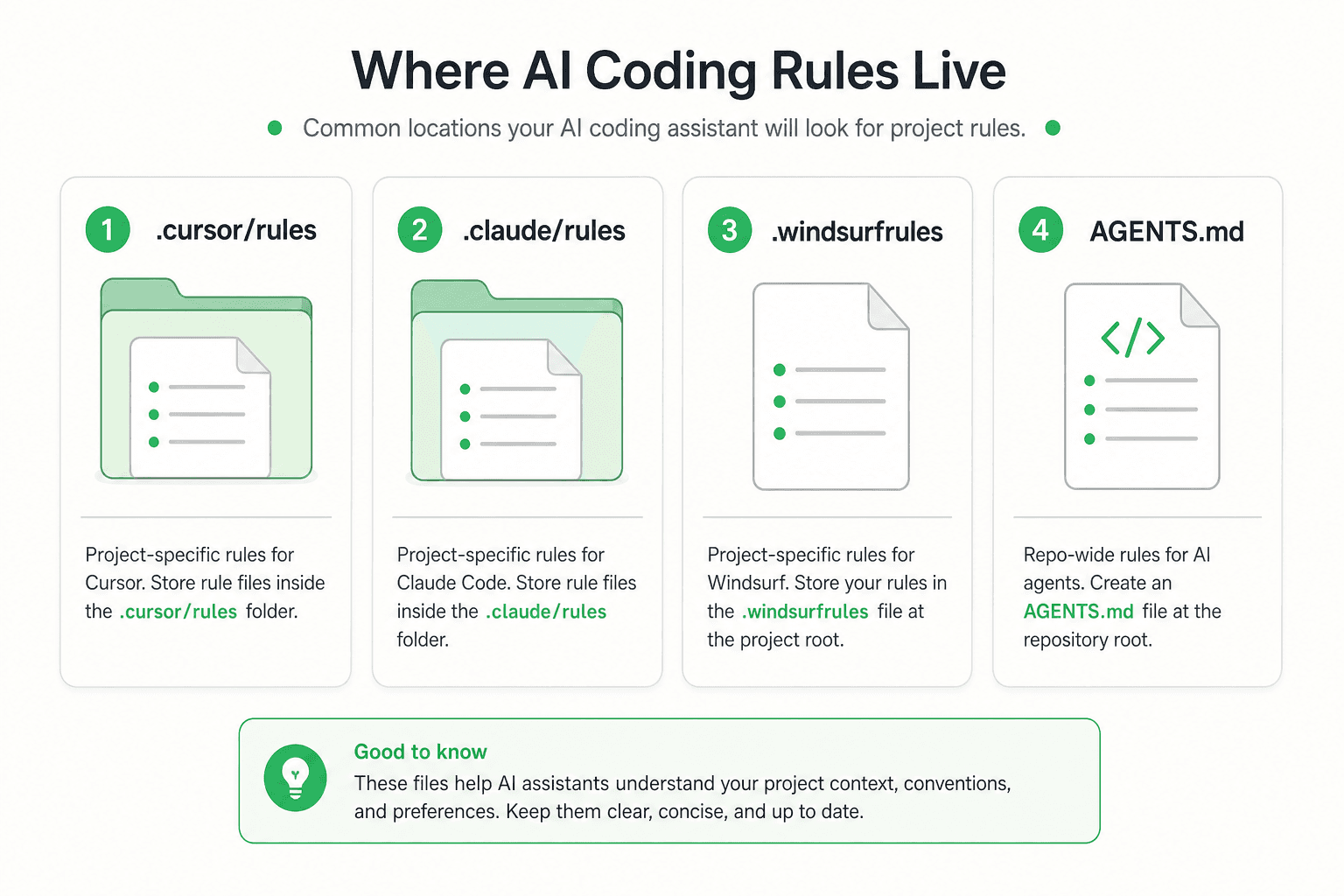 Rules live in different places per tool — one pack should cover them
Cursor
Choose Cursor if you want deep codebase agents without leaving the editor.
Strengths: multi-file edits, project rules, familiar VS Code muscle memory.
Watch outs: easy to over-attach folders; long threads accumulate context fast.
Deep dive: reduce Cursor AI costs · Cursor rules
Claude Code
Choose Claude Code if you like terminal-native agents and scriptable repo work.
Strengths: shell + repo loops, clear project instruction files, sequential tasks.
Watch outs: broad exploration still walks too much tree; multi-job prompts sprawl.
Deep dive: Claude Code rules guide
GitHub Copilot
Choose Copilot if you are all-in on GitHub and want completions + chat where PRs already live.
Strengths: GitHub integration, custom instructions, strong inline assist.
Watch outs: instructions get long; chat + large attaches still burn tokens.
Same token problem, different surfaces
All three waste money the same way:
- Reading too many files
- Re-reading history
- Dumping generated/vendor dirs
- Stacking unrelated jobs into one request
The fix is shared: strict always-on limits — not a different pep talk per IDE.
One purchase that covers your stack
If you bounce between tools — or your team mixes them — don’t maintain three DIY rule books.
Token Kits is lifetime access to one battle-tested pack:
- Cursor, Claude Code, Copilot, Windsurf, and more
- Install instructions after checkout for each IDE
- Built to cut agent token spend roughly in half
- $39 prelaunch (first 100), then $79 one-time
How to decide this week
| You mostly… | Start with |
|---|---|
| Live in an IDE agent UI | Cursor |
| Live in the terminal | Claude Code |
| Live in GitHub PRs + completions | Copilot |
| Mix two of the above | Buy one pack that supports all of them |
- Pick the surface you already live in
- Buy Token Kits so cost discipline isn’t optional
- Install from your post-purchase page
- Run real work with less wasted context
FAQ
Is Cursor better than Claude Code?
For IDE-native agent UX, often yes. For terminal-first workflows, Claude Code often feels better. Measure by where you finish work.
Can I use more than one tool?
Yes. The mistake is letting each tool invent different rules. One purchased pack keeps habits aligned.
Do you share the pack publicly in this article?
No. Purchase unlocks install. Pricing →
Bottom line
The agent brand matters less than whether you feed it a clean, enforced pack.